
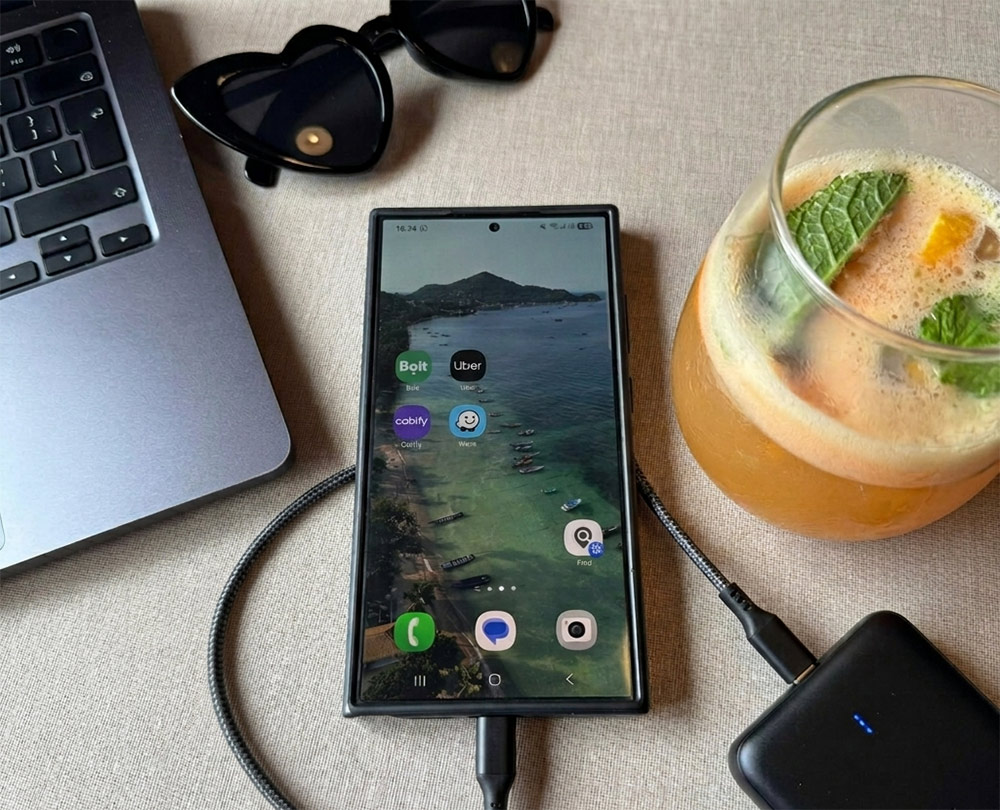
Traveling internationally today means relying on your phone for almost everything, from maps and bookings to payments and staying in touch. But if you’ve ever landed in a new country without internet or ended up with unexpected roaming charges, you know how quickly things can get frustrating.
After years of traveling and working remotely from different countries, I’ve learned that having the right setup makes a huge difference. It’s not about having the latest tech, but about making a few simple choices before you leave that save you time, money, and stress once you arrive.
These are the tips I’ve found actually make a difference when using your phone abroad:
1. Set Up Connectivity Before You Leave
One of the most frustrating travel moments? Landing in a new country and not having internet.
You’re trying to check directions, message your accommodation, maybe order a ride… and nothing works. I’ve been there more than once, and it’s not a great start to a trip.
That’s why I sort out my mobile data before I leave.
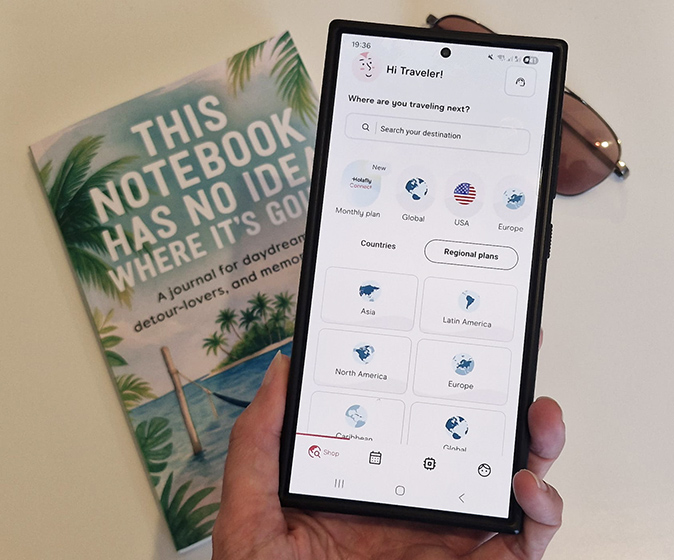
eSIMs have made this really easy. Instead of dealing with physical SIM cards, you can set up a data plan on your phone in advance. I’ve used apps like the Holafly app for this, which lets you choose a plan for your destination and activate it before you even get on the plane.
So when you land, your internet just works. And honestly, that makes a huge difference in those first few hours.
Just make sure your phone supports eSIM; most newer phones do, but it’s worth checking before you rely on it.
2. Check Which Apps You’ll Actually Need
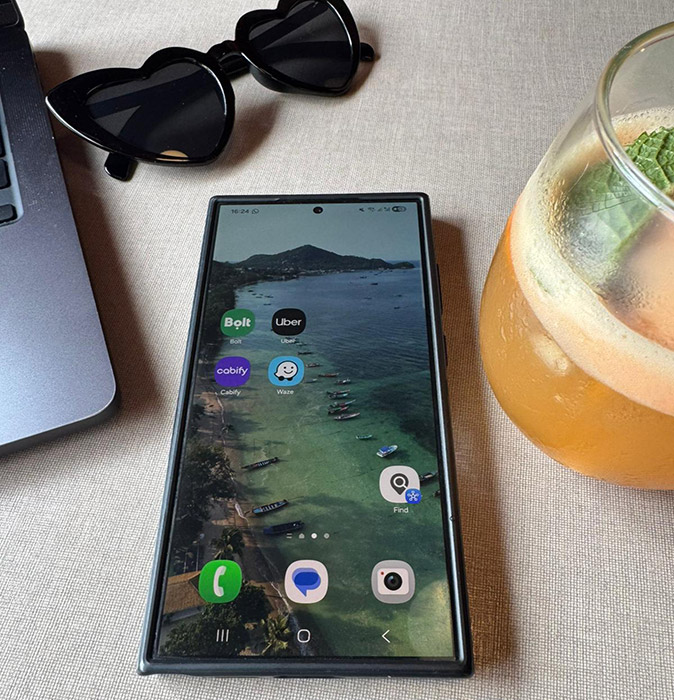
Not every country uses the same apps. Uber isn’t available everywhere, and Google Maps doesn’t work properly in some places (I found that out the hard way in China).
Before I travel, I usually take a few minutes to check:
- Which rideshare apps are used (Bolt, Grab, Didi, etc).
- Whether Google Maps works or if I need an alternative.
- If there are any local apps for transport, payments, or other services I expect to need.
Downloading these in advance and setting them up while you still have reliable internet saves a lot of hassle when you arrive.
3. Don’t Rely 100% on Internet
Even with data, things can go wrong. Bad signal, remote areas, or just your connection acting up.
So I always download a few essentials before I go.
Offline Google Maps is probably the most important one. I also download language packs in translation apps and keep booking confirmations and tickets saved on my phone.
It’s one of those things you might not need, but when you do, you’re very glad it’s there.
4. Be Careful with Public Wifi
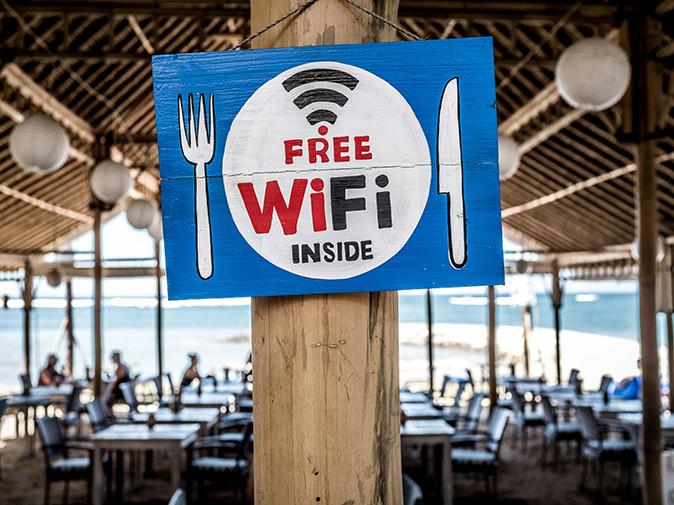
Free Wifi is everywhere now, hotels, cafés, airports… but it’s not always secure.
I personally avoid logging into anything sensitive on public networks, like banking or email.
If you travel often or work remotely, using a VPN can be worth it. It adds an extra layer of security and can also help in countries where certain websites or apps are restricted.
5. Bring the Right Charging Setup
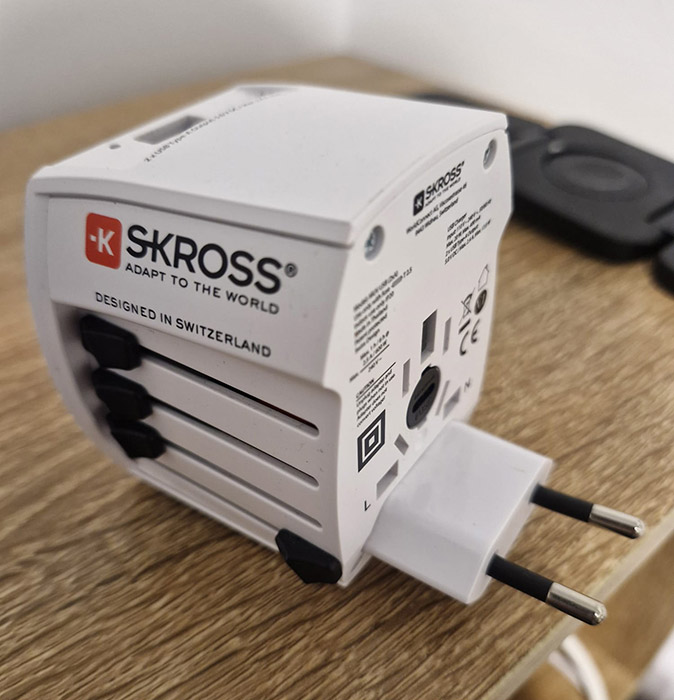
This is one of those things that seems obvious until you forget it.
Different countries have different plugs, and not every accommodation has enough accessible outlets. A universal adapter with multiple USB ports makes things much easier, especially if you’re charging multiple devices.
I also always carry a power bank. Between maps, photos, and being online throughout the day, your battery drains faster than you expect. Having backup power can easily save your day.
6. Make Payments Simple
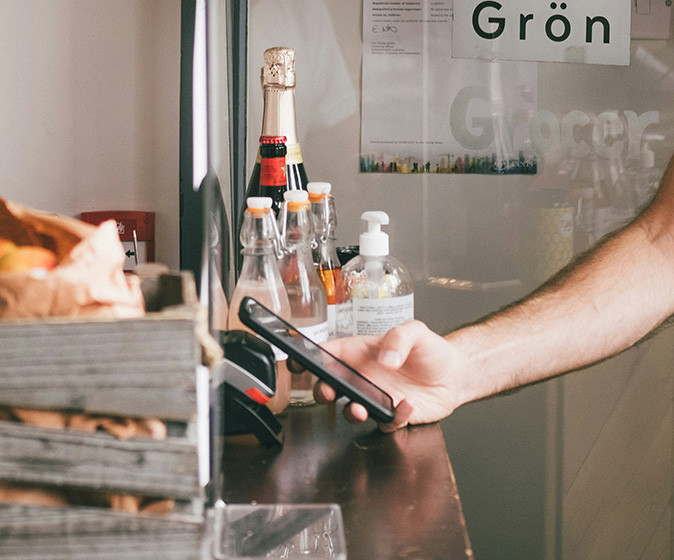
Paying in a different currency can get confusing quickly, especially in the first few days when you’re still adjusting to prices.
One simple habit that helps: quickly check prices in your own currency before paying, either with a conversion app or just Google. It gives you a better sense of what you’re actually spending and avoids those “wait, how much was that?” moments.
I usually rely on a mix of card payments and a bit of cash. Contactless payments are widely accepted in many countries now, but smaller shops, markets, or local spots often still prefer cash.
I use Wise when I travel. They offer free ATM withdrawals abroad (with monthly limits), offer good exchange rates, and let you pay in different currencies without the usual high fees. I’d say getting a Wise account is especially useful if you travel often or spend longer periods abroad.
If you plan to use your standard bank cards abroad, don’t forget to inform your bank before you travel. It only takes a minute, but it can prevent your card from being blocked when you need it most.
7. Keep Copies of Important Documents
Losing your passport or important documents abroad is stressful enough. Not having backups makes it worse.
I always keep a few copies: one in the cloud, one on my phone, and sometimes even a printed version.
It takes almost no time to set up, but it can save you a lot of hassle if something goes wrong.
8. Adjust Your Phone Settings Before You Go
There are a couple of settings I always change before I travel, mostly to avoid unnecessary data usage or surprise charges.
Roaming is the big one. I usually switch it off unless I specifically need it. I also stop automatic app updates so my phone isn’t quietly using data in the background without me noticing.
And I go through location permissions quickly, just leaving it on for apps like maps or rideshares that actually need it.
9. Protect Your Devices
Phones are one of the most commonly stolen items when traveling, especially in busy cities.
Make sure you have a strong passcode or Face ID enabled, and turn on tracking features like “Find My iPhone.”
It only takes a few minutes to set up, but if something does happen, you’ll be glad you did.
Final Thoughts
When I travel, I’m not really trying to optimize anything. I just want things to work without having to think about them too much.
Having internet as soon as I land, knowing which apps I’ll actually need, and not worrying about small things like maps, payments, or battery life makes a bigger difference than people think.
Most of these things take very little time to sort out before you leave, but they make the first few days of a trip so much smoother. And once you’re on the road, you can forget about them and focus on everything else.
Also Read: