

Whether you’re checking your bank account, logging into work, booking your next hotel, or simply scrolling through social media, chances are you’ll connect to hotel WiFi at some point during your trip, and it may not be properly secured.
After traveling full-time and working remotely since 2008, I’ve connected to hotel WiFi networks in more countries than I can count.
Just last week, while staying in a hotel outside of Barcelona, my phone connected to the hotel’s network and immediately displayed a message saying:
“Connected, not secured.”
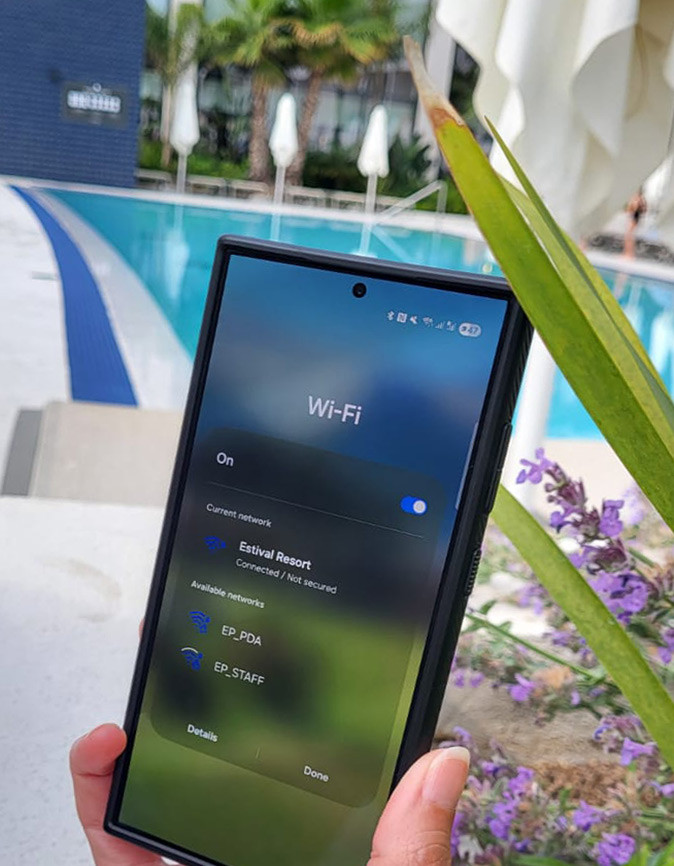
This was a good reminder that while hotel wifi is convenient, it’s not always something you should blindly trust.
So, is hotel WiFi safe?
Usually, yes. But not always.
And because it’s difficult to know which networks are safe and which aren’t, it’s worth taking a few simple precautions to protect your personal information while traveling.
Quick Answer: Is Hotel WiFi Safe?
Hotel WiFi is convenient but not always secure. Hotel networks are shared by many guests, they can be vulnerable to fake networks, unsecured connections, and other privacy risks.
If you’re using hotel WiFi, it’s best to avoid accessing sensitive information (your banking app, but also online shopping, your cloud storage, etc.) unless you’re taking steps to protect your connection.
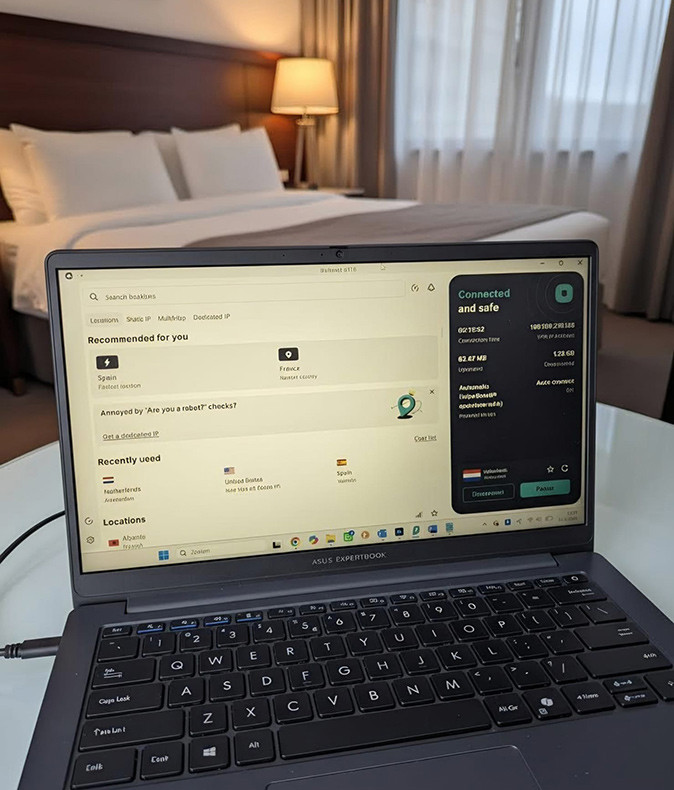
Ideally, you want to use a VPN to encrypt your connection when using hotel WiFi. I use Surfshark whenever I connect to any public network, whether that’s at a hotel, an airport, a café or a coworking space.
Why Hotel WiFi Can Be Risky
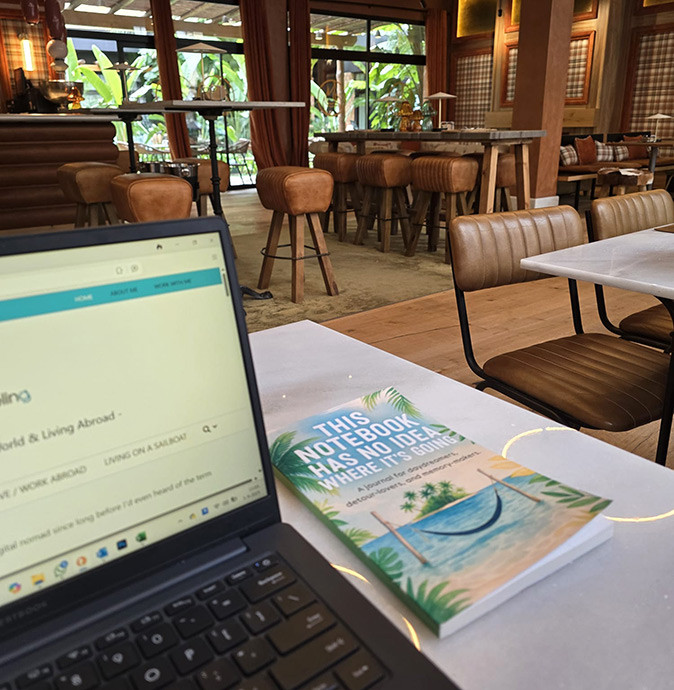
Most hotel WiFi networks are shared networks. Unlike your home internet connection, you are connecting alongside dozens or even hundreds of other guests.
In some cases, the network may not be encrypted properly. In others, cybercriminals may create fake WiFi networks designed to look like the hotel’s official network.
This doesn’t mean every hotel network is dangerous. Far from it.
But it does mean you should think twice before treating hotel WiFi the same way you treat your private internet connection at home.
When you’re connected to public WiFi, you’ll often do things like:
- Access online banking
- Check your email
- Log in to social media accounts
- Make purchases online
- Access work files
- Store personal information in cloud services
That’s a lot of sensitive data moving across a network you don’t control.
What Does “Connected, Not Secured” Mean?
You may have seen this warning on your phone or laptop before.
This message usually means that the WiFi network isn’t using encryption. It doesn’t necessarily mean the hotel network is dangerous, but it does mean other people on the same network may be able to see more of your internet traffic than they should. Using a VPN encrypts that traffic, making it much more difficult for anyone else to intercept or monitor.
Real Risks Travelers Face on Hotel WiFi
Fake Hotel WiFi Networks
One of the most common scams involves fake networks.
Imagine you’re staying at a hotel called Ocean View Resort.
You open your WiFi settings and see:
- OceanViewGuest
- OceanView_Free
- OceanView_WiFi
Which one is the real network?
Unless you’ve confirmed the exact network name with reception, it can be difficult to know.
Cybercriminals sometimes create fake hotspots specifically designed to trick travelers into connecting.
Accessing Sensitive Accounts
Most of us access important accounts while traveling.
Online banking, email accounts, cloud storage, payment platforms, and social media accounts all contain valuable personal information.
The more sensitive the account, the more important it becomes to use secure connections and strong login protection.
Working Remotely While Traveling
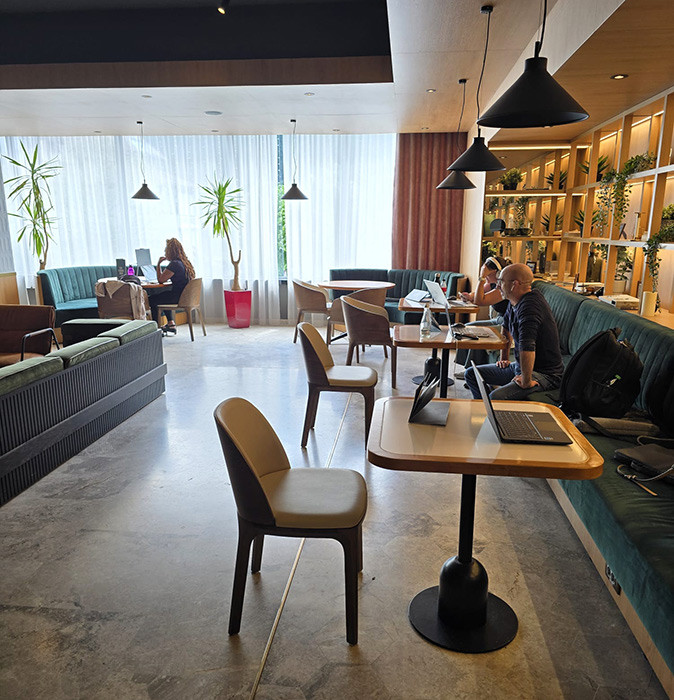
As someone who runs an online business while traveling, hotel WiFi isn’t just for browsing websites.
It’s how I manage my websites, communicate with clients, access financial accounts, upload content, and run my business.
If you’re a digital nomad or remote worker, protecting your connection becomes even more important because a security issue can affect both your personal life and your livelihood.
Also Read: How to Work Remotely From Anywhere
8 Ways to Use Hotel WiFi More Safely

1. Confirm the Correct Network Name
Always ask reception for the exact WiFi network name. Don’t assume the strongest signal is the correct one.
This simple step can help you avoid accidentally connecting to a fake network.
2. Enable Two-Factor Authentication
Whenever possible, use two-factor authentication (2FA) on important accounts.
Even if someone somehow gains access to your password, they still won’t be able to log in without the second verification step.
3. Keep Your Devices Updated
Software updates often include important security fixes.
Before a trip, make sure your phone, laptop and apps are updated.
4. Turn Off Automatic WiFi Connections
Many devices automatically connect to previously used networks. This can be convenient, but it can also expose you to unwanted connections.
Disable automatic connections when traveling and choose networks manually.
5. Use Mobile Data for Highly Sensitive Tasks
If you need to perform particularly sensitive tasks, such as accessing financial accounts or transferring large sums of money, using your mobile data connection may provide additional peace of mind.
6. Log Out When Using Shared Devices
If you ever use a hotel business center computer or any shared device, make sure you log out completely afterward.
Personally, I avoid shared computers whenever possible.
7. Be Careful with Public File Sharing
Avoid sharing sensitive files over public networks unless you’re using secure services.
The less sensitive information you expose, the better.
8. Use a VPN
One of the easiest ways to add an extra layer of security while traveling is to use a VPN.
VPN stands for Virtual Private Network.
Without getting too technical, a VPN encrypts your internet traffic, making it much harder for others to see what you’re doing online.
So I’d say using a VPN is always a good idea, even at home, but it becomes even more important when you use public Wifi in hotels, airports, cafés, etc.
Why I Started Using a VPN While Traveling
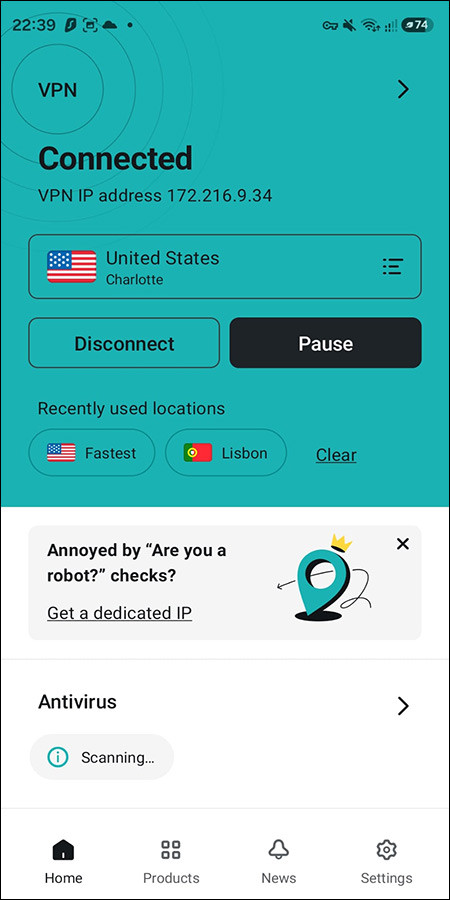
I have to admit, I first heard about VPNs many years ago, but it took a long time before I actually started using one.
It wasn’t until I visited Cuba that I understood the importance of a VPN.
While there, I suddenly discovered that I couldn’t access various websites and apps I regularly used. I couldn’t access my banking apps and several websites I manage wouldn’t load properly.
That experience finally pushed me to learn more about what a VPN actually does.
I’ve had a VPN ever since, which I use on both my phone and my laptop.
Later, when visiting China, it became absolutely essential to use a VPN. Many services that most of us use every day, including Google products, are restricted there.
And it’s not just those types of more restrictive countries where I really need a VPN.
As a Dutch traveler who spends much of the year abroad, I also need my VPN to access Dutch content and streaming services while outside the Netherlands. You’ll probably experience the same; whether it’s the news or certain shows you like to watch from back home, they might not work abroad unless you set your VPN to your home country.
Why I Use Surfshark
There are many VPN providers available today, but I’ve personally chosen Surfshark.
What I like most is that it’s easy to use.
I’m not particularly interested in complicated technical settings. I simply want something that works reliably and protects my connection when I connect to public networks.
Surfshark allows me to use the same account across all my devices, whether I’m working on my laptop in a hotel room or using my phone at a café.
For anyone who connects to public networks, I highly recommend using a VPN. It doesn’t cost much, and it’s better to be safe than sorry!
Is Hotel WiFi Safe Without a VPN?
In many cases, probably.
Most hotel networks are not actively dangerous.
The problem is that it’s difficult to know which networks are secure and which aren’t.
That’s why I look at a VPN the same way I look at travel insurance: most of the time you probably won’t need it. But when you do need it, you’ll be glad you have it.
Frequently Asked Questions
Is Hotel WiFi Safe For Online Banking?
It can be, but many security experts recommend using a VPN or mobile data when accessing sensitive financial accounts on public networks.
Can Someone Hack Me Through Hotel WiFi?
While uncommon, public networks can expose users to additional security risks compared to private home networks. Taking basic precautions significantly reduces that risk.
Should I Use a VPN on Hotel WiFi?
If you access email, banking apps, work systems, or other sensitive accounts while traveling, using a VPN adds an extra layer of protection.
Can a VPN Make Hotel WiFi Faster?
Usually not. A VPN’s main purpose is security and privacy. In some situations it may help if internet traffic is being restricted or throttled, but speed improvements should not be the main reason for using a VPN.
Final Thoughts

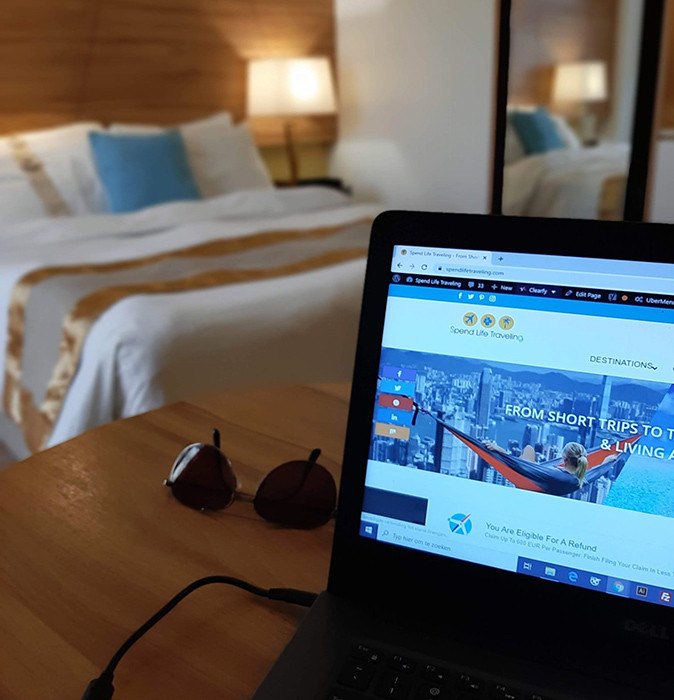
After years of working remotely from hotels, AirBnbs, cafés, coworking spaces and coliving spaces around the world, I’ve learned that most hotel WiFi networks are probably fine.
The problem is that you rarely know which ones aren’t.
Whether you’re traveling for a vacation or working remotely abroad, protecting your personal information is worth a little extra effort.
For me, using a VPN has become a standard thing I do. It’s simply one of those small things that helps me travel with a little more peace of mind.
Also Read:
- How to Use Your Phone When Traveling Abroad
- Accessing Blocked Websites Abroad
- How to Choose a Hotel Room
- Tips to Help You Stay Safe While Traveling
This blog contains affiliate links. I may receive a commission for purchases made through these links, at no additional cost to you.